


Create Pitch Deck Walkthroughs Using a Free AI Video Editor


Effective communication of a business idea is the key to both startups and well-established firms. Investors and stakeholders must ensure that they understand concepts fast in order to make sound decisions. The problem with not using video or audio presentations is that they are not usually very engaging and also fail to communicate excitement. Visual walkthroughs are, however, a dynamic means of communicating ideas. They enable the viewers to observe the plot development, realise the problem-solving strategy, and to interact with your vision. Applications such as Pippit have completely changed this by making the old fashioned pitch decks into a persuasive recorded presentation.
The reason why Video Pitch Walkthroughs are more effective

Video pitch walkthroughs are the best as they blend visual narration with storytelling. Videos enable the flow of ideas naturally and therefore, complex concepts can be easily learnt, unlike on these static slides. Voiceovers or avatars allow presenters to convey personality and confidence without being on camera to use tone and emphasis. When there is a combination of visuals and narration, a larger amount of information is remembered by the audience because understanding and interest are enhanced. With a free AI video editor, such as Pippit, creating polished pitch videos requires no technical expertise, enabling rapid content production without compromising professionalism.
The Critical Elements of an effective Pitch Deck Video
An effective pitch deck video presents the essence of the business effectively. Begin with a clear value proposition that explains the purpose of the business. Deconstruct the issue that your product is addressing and articulate the answer. Add a business model description to demonstrate how the company will make money. Emphasize competitive differentiators that will make the company stand out among others in the market. Demonstrate the traction, milestones, or product demos to gain credibility. The AI of Pippit assists in organizing these sections logically with the proposed transitions and the focus on crucial points.
Steps to Create Pitch Deck Walkthroughs Using a Free AI Video Editor
Step 1: Prepare Your Pitch Flow and Enter Inputs
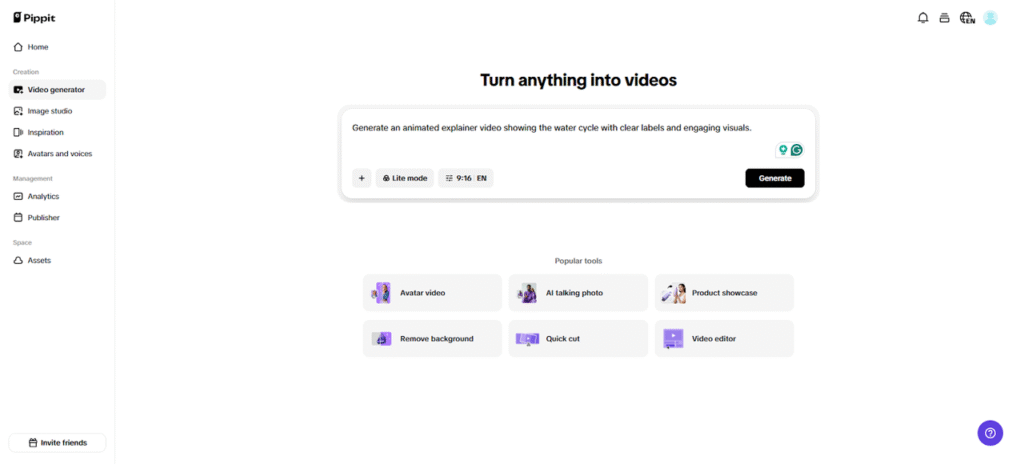
Start by accessing Pippit and signing up. Move to the “Video generator” section and type a text prompt that clearly explains how your pitch deck walkthrough should appear. You can upload slides or reference visuals to guide the AI. Open the “Add media” tab and upload files from your device, phone, Dropbox, or by link. If you need resources, choose from built-in assets. After setting everything, click “Generate”.
Step 2: Let AI Assemble Your Walkthrough
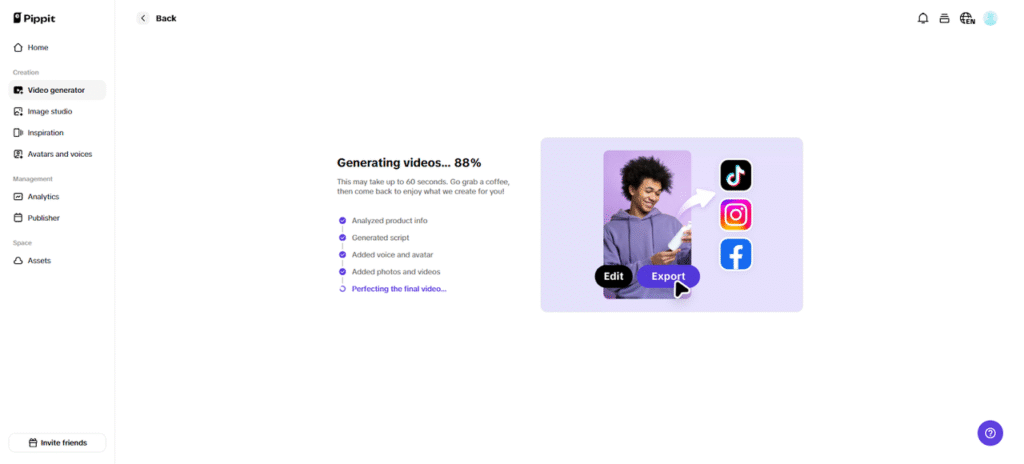
Pippit’s AI automatically edits and builds the walkthrough based on your prompt and reference media. It manages transitions, pacing, and enhancements to keep the flow smooth. It auto-adds avatars, voice, lyrics, captions, and photos/videos to finalize the walkthrough.
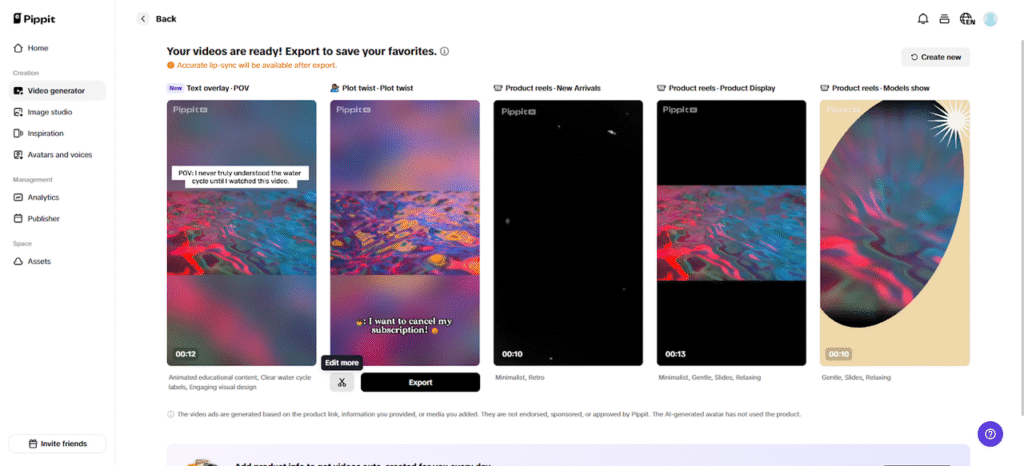
You then receive 4–5 drafts. Pick one and press “edit more” to move into the full editor.
Step 3: Personalize and Export Your Walkthrough
Once inside the editor, you can adjust captions manually, add new text, and choose your preferred size, color, and alignment. You can tweak filters, effects, add background audio, or remove backgrounds for cleaner visuals.
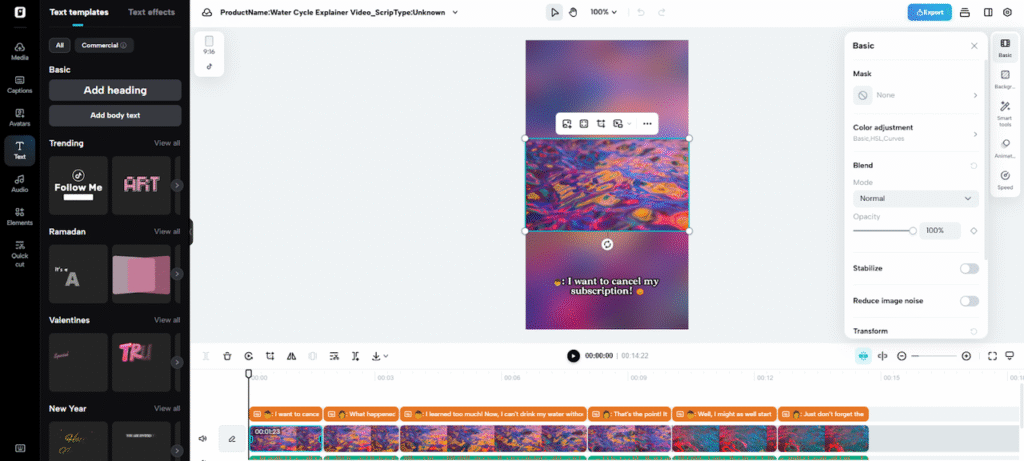
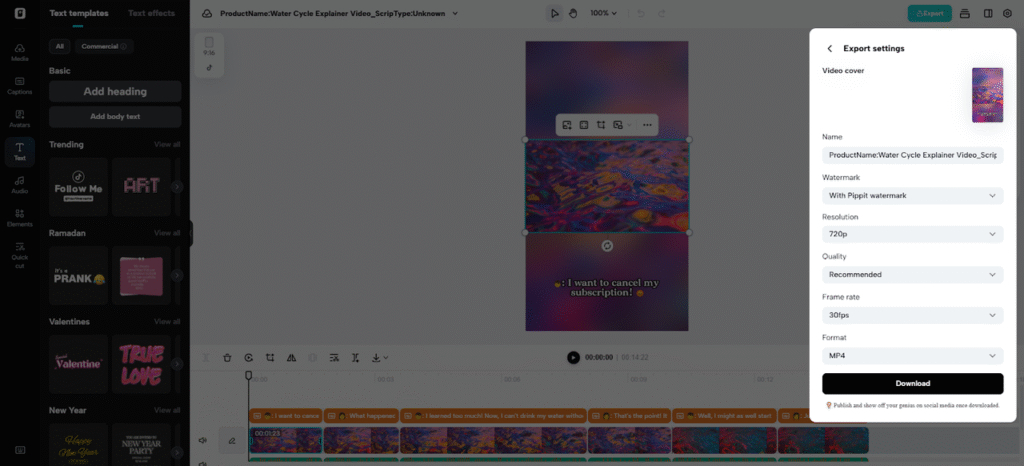
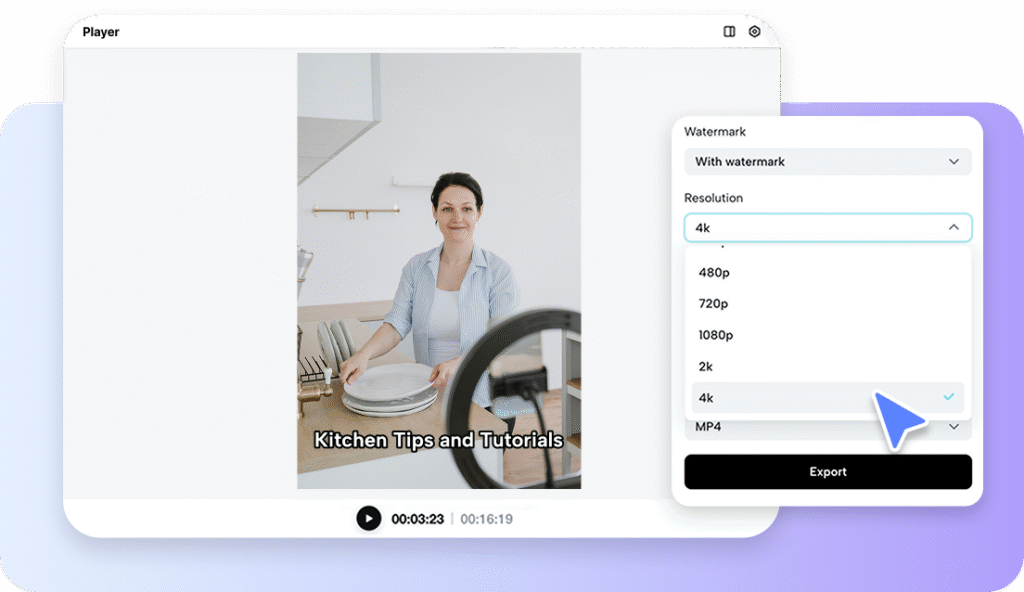
When satisfied, click “Export”. Publish directly on platforms via “Publish”, or select “Download” to save your walkthrough with the format, frame rate, resolution, and quality you want.
Professional Narration with AI Voiceovers and Avatars
The narration is no longer a studio thing. Pippit offers several choices of AI voices, so they can be customized to brand personality. Teams or personas can be represented by Avatars, which are provided as a human touch without the need to be physically in the presence. A combination of avatars and voiceovers creates videos that seem interactive, believable, and entertaining. This characteristic supplements the visual storytelling strategy and provides the evenness of the professional tone throughout all the slides.
Organizing a Logical Investor-Friendly Flow
Comprehension is greatly influenced by the flow of a pitch deck video. Start by introducing the market opportunity to introduce attention. Continue with supporting information, demonstration of a product and problem-solution fit. End with definite follow-up actions or a solicitation. Pippit helps in scripting and putting these parts into a logical structure to maximize narrative speed. Videos that are designed in a systematic manner enable the investor to understand the potential of the business within a short period. Incorporating a free online video language translator also ensures accessibility for international stakeholders, broadening the reach of your pitch.
Recommendations on The Importance of Being Clear and Credible
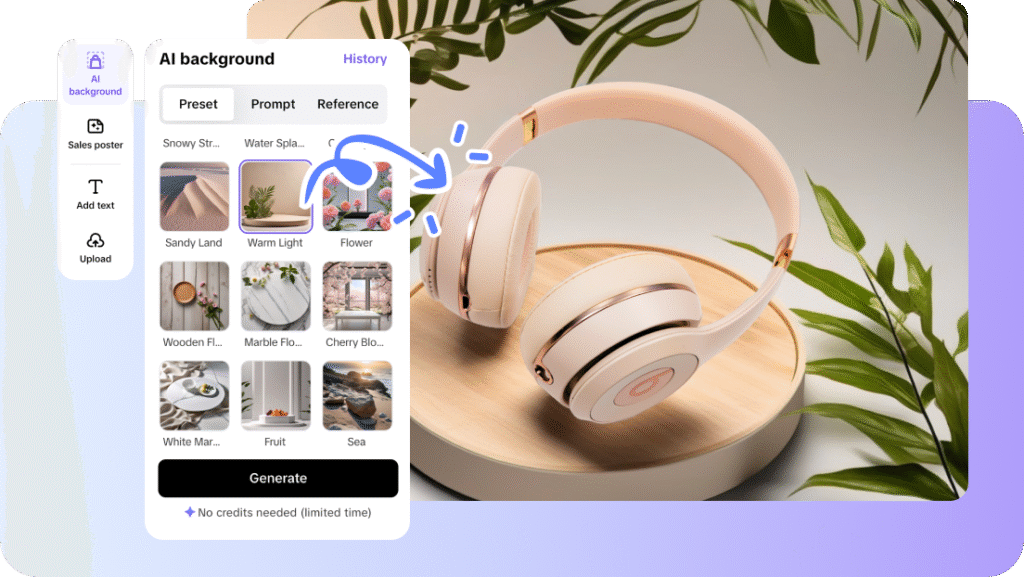
It is important to maintain the brevity and data-driven quality of presentations. Do not crowd slides with jargons or irrelevant information. Critical metrics and claims can be supported with the help of visual highlights, e.g., charts or animations. The continuity between sections is beneficial as it increases the understanding and keeps the audience attentive. Pippit promotes visual consistency and alignment which contributes to the plausibility of the presentation but maintains the storytelling acuity. Using AI features like AI background transformations can further elevate production quality, creating immersive experiences without complex tools.
Conclusion
Pitch deck walkthroughs produced using Pippit are fast, high-quality, and professional storytelling. Videos also save time as opposed to face-to-face rehearsals and enable ideas to be clearly communicated. Startups, agencies, and enterprise teams are capable of creating smoothly, engaging presentations without technical restrictions. By using AI voiceovers, avatars, and automated editing, pitch videos can not only become a communication tool but also a strategic asset that can help attract the attention of investors. Pippit is efficient, visually compelling and adaptable to any business scenario.